
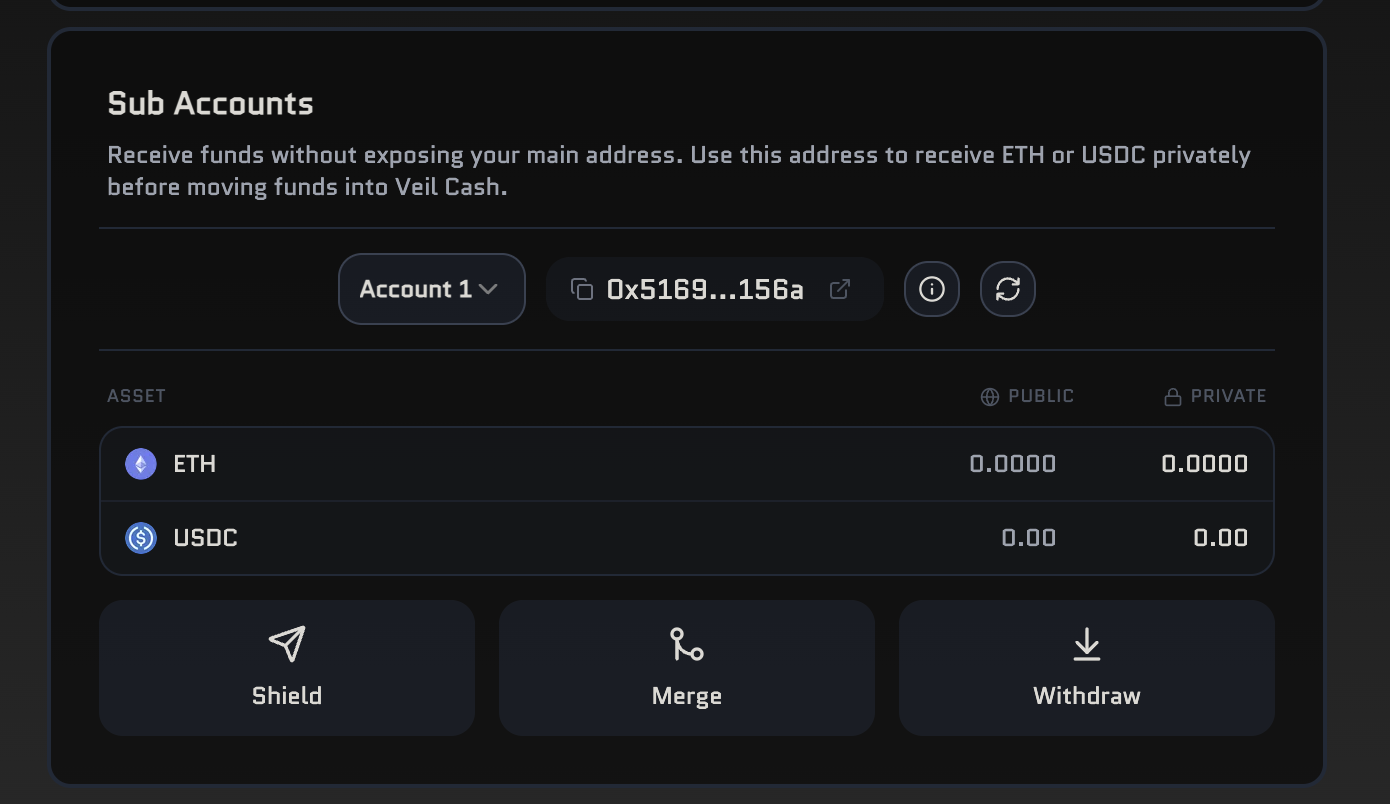
Sub Accounts are in beta; you can have up to three slots today. That cap may rise later.
How Sub Accounts work
Each slot is derived deterministically from your main key. When you pick a Sub Account slot, the app shows the deposit address for that slot. Senders send ETH or USDC there. The Veil relayer deploys the onchain forwarder when needed, then sweeps funds into the deposit queue so they follow the same screening and pool path as a normal deposit. The same slot always yields the same address, so you can reproduce it on a new device from your main key—no extra secret per Sub Account.Creating a Sub Account
You can use up to 3 slots (Account 1–3). Open Sub Accounts in the wallet panel, choose a slot, and copy the address it shows. Share that address with whoever is paying you.Depositing
- Choose the Sub Account slot you want to fund.
- Send ETH or USDC to the address shown for that slot.
- After funds arrive, run Deploy & Sweep the first time the forwarder is needed, or Sweep to Queue if it is already deployed—this moves value into the Veil deposit queue.
- From there, the deposit is screened and accepted into the pool like any other deposit.
Merge and withdraw
- Merge — move a Sub Account’s shielded balance into your main Veil balance inside the pool.
- Withdraw — send from a Sub Account straight to an external address using a signed recovery flow in the app.