
Documentation Index

Fetch the complete documentation index at: https://docs.veil.cash/llms.txt

Use this file to discover all available pages before exploring further.

Binance BAB Token banner
Mint or manage a BAB token from Binance: binance.com/en/BABT.

What it is

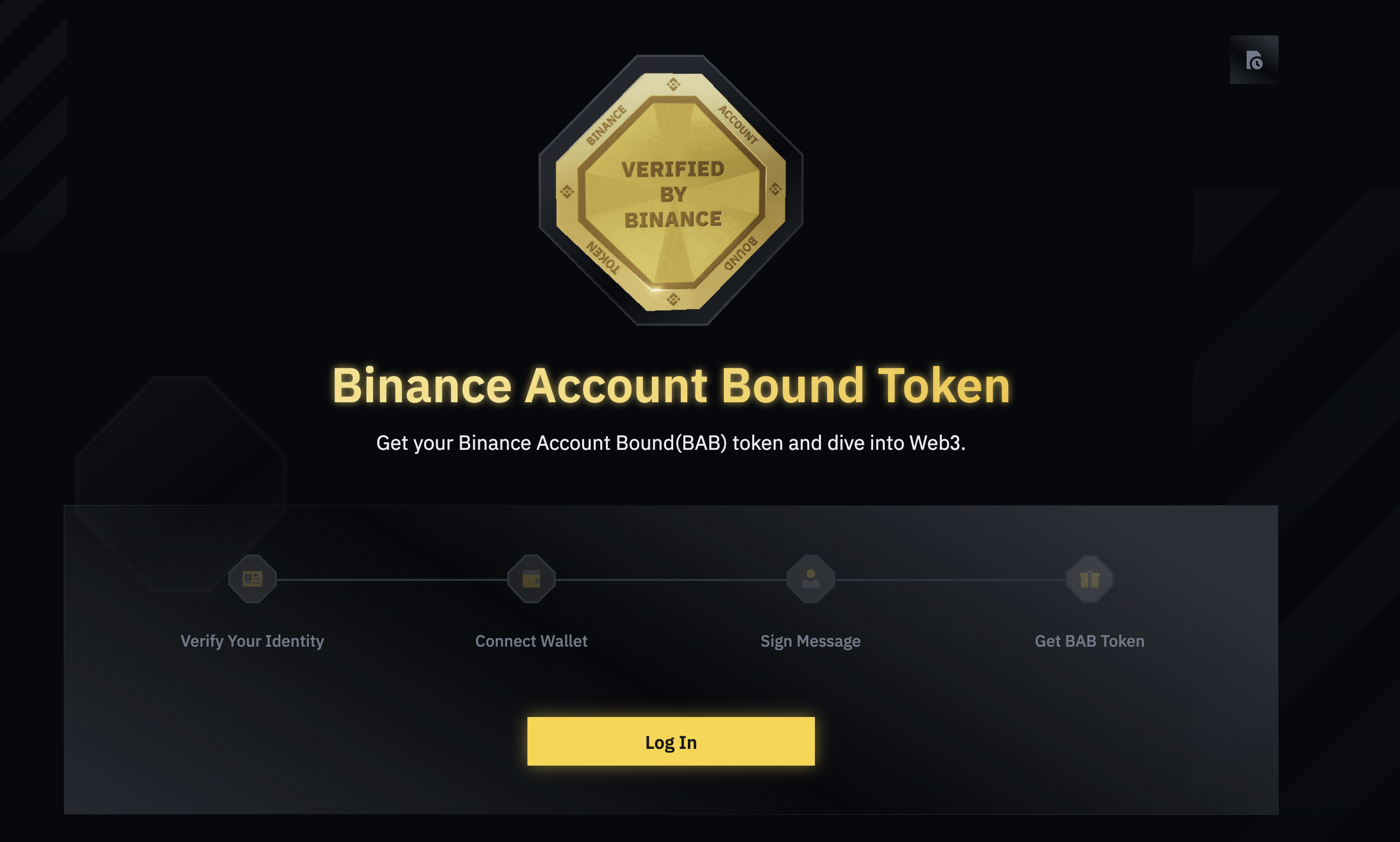
Binance Account Bound (BAB) tokens are onchain credentials Binance issues after identity verification (KYC). They are soulbound on BNB Smart Chain (non-transferable, revocable by Binance, one per user). Veil never receives your KYC details; eligibility is only whether your wallet is a BAB holder when a deposit is processed. BAB token example screen
How to get a BAB token

  1. Complete Binance identity verification (KYC).
  2. Open the BAB token page while signed into Binance.
  3. Connect a wallet on BNB Smart Chain (for example MetaMask or Trust Wallet).
  4. Mint BAB to that wallet. You need a small amount of BNB for gas.
Use the same 0x address you will use on Base with Veil (one key, two networks).

How Veil uses it

When your deposit is handled, Veil checks in the background whether you qualify—including whether your wallet still holds a BAB on BNB Smart Chain, together with any other verification paths that deployment supports (for example Coinbase). You do not need to register or re-confirm in the app first. If your address is a BAB holder at the time that check runs, your deposit can be accepted on the verified path without you doing anything extra in Veil.

Next steps

Mint BAB to the wallet you use with Veil on Base, then deposit as usual. For the full flow, see How to use Veil Cash. Other eligibility paths are on Verified Users.